July 5, 2026
OpenAI Codex Business Plugins and 110 Skills Explained
By Synthex
Codex used to be easy to explain: it was OpenAI's coding agent.
That is still true, but it is no longer the whole story. OpenAI has been moving Codex toward a broader work surface: plugins, skills, app integrations, annotations, and Sites. The point is not only to write code. The point is to let Codex work with the tools, files, data, and repeatable processes a team already uses.
This guide is based on Nick Puru's video about OpenAI Codex's business plugins. It also uses OpenAI's own Codex announcement, Codex plugin docs, release notes, and the public openai/role-specific-plugins GitHub repository as source material.
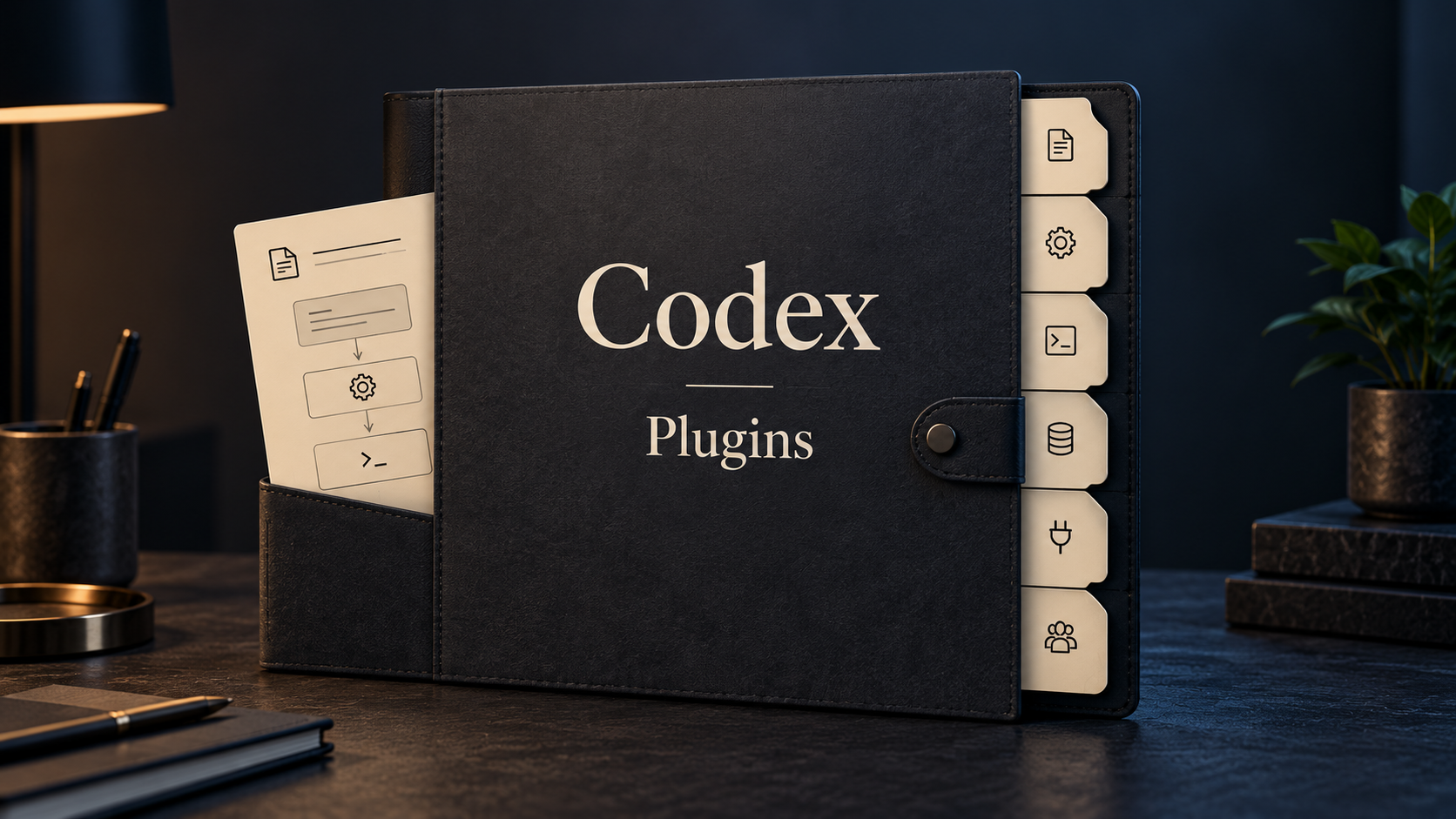
The short version: Codex plugins are packaged workstations for specific roles. Skills are the reusable instructions inside those packages. App integrations are what let the work connect to real tools instead of staying as plain chat.
What you'll learn
- What a Codex plugin is.
- What a skill is.
- Why OpenAI is talking about 6 role-specific plugins, 62 apps, and 110 skills.
- What the six business plugin areas are meant to do.
- Which public source repo contains the inspectable plugin templates.
- Why the public repo and product UI do not map one-to-one.
- How Data Analytics, Creative Production, Sales, Product Design, Public Equity Investing, and Investment Banking fit different kinds of work.
- How app integrations change what Codex can actually do.
- What to check before treating a plugin output as finished work.
- How to think about creating your own plugin or skill.
What this is really about
The important idea is not "Codex can do everything now."
The useful idea is quieter:
Codex is becoming a place where repeatable business workflows can be packaged, connected to tools, and reused by people who do not want to build everything from scratch.
That matters because most business work is not one clean task.
A sales rep does not only write an email. They check the CRM, read call notes, search Slack, look at the account history, decide the next move, then write the follow-up.
An analyst does not only make a chart. They inspect the data, check whether the rows make sense, decide which metric moved, explain why it moved, and turn the result into something other people can review.
A designer does not only make a screen. They gather context, compare directions, prototype, audit flow problems, and share a version the team can react to.
Plugins and skills are OpenAI's way of packaging those repeated patterns.
Plugin, skill, and app integration
These three terms are easy to blur together.
Here is the plain version:
| Term | Simple meaning | Use it when |
|---|---|---|
| Plugin | A packaged set of capabilities for a role or tool | Codex needs a whole work surface, like Sales or Data Analytics |
| Skill | A reusable instruction playbook inside a plugin | Codex needs to follow a specific process, like metric diagnostics or meeting prep |
| App integration | A connection to an external tool or data source | Codex needs access to Gmail, Slack, Salesforce, Snowflake, Figma, or another system |
A plugin is the container.
A skill is the recipe.
An app integration is the connection to the real ingredients.
For example, a Sales plugin may include skills for preparing a meeting, following up after a call, prioritizing accounts, and reviewing a forecast. It may also connect to Salesforce, HubSpot, Slack, Outreach, Clay, Gmail, Google Drive, and meeting tools.
Without the skills, Codex would not know the sales process.
Without the app integrations, Codex would not have the account context.
Without review, it would still just be an assistant making a first pass.
The source situation: product launch vs public templates
There are two useful source layers here.
OpenAI's product announcement describes six role-specific plugins for Codex:
- Data Analytics
- Creative Production
- Sales
- Product Design
- Public Equity Investing
- Investment Banking
OpenAI says these role-specific plugins include 62 popular apps and 110 skills.
OpenAI's public GitHub repository, openai/role-specific-plugins, is slightly different. It currently exposes four inspectable plugin template folders:
data-analyticssalesproduct-designfinancial-markets
Those public templates contain visible skill folders. In that repo, financial-markets covers the finance template material that overlaps with public-equity and investment-banking style work.
That distinction matters.
If you are trying to understand the product announcement, use OpenAI's launch post and release notes.
If you want to see where the skills and templates come from, use the GitHub repo.
The six role-specific plugin areas
Data Analytics
Use this when the work starts with data and ends with an explanation, report, dashboard, or decision.
The Data Analytics plugin is for analysts, operators, founders, product teams, and anyone who spends time asking why a number changed.
Typical work:
- Investigate why a metric moved.
- Build KPI reports.
- Check data quality.
- Turn spreadsheet rows into charts.
- Create dashboards.
- Size a market or opportunity.
- Explain product or business performance.
The public template repo includes Data Analytics skills such as:
metric-diagnosticskpi-reportingbuild-dashboardbuild-reportvisualize-datavalidate-dataanalyze-data-qualitydesign-kpismarket-sizingproduct-business-analysisjupyter-notebooks
OpenAI's announcement names tools like Snowflake, Databricks Genie, Hex, and Tableau. The public template repo also includes app bindings or placeholders for tools such as Databricks, Snowflake, BigQuery, Hex, Amplitude, Mixpanel, Statsig, Metabase, ThoughtSpot, Google Drive, Slack, Microsoft 365, and more.
The beginner-friendly way to think about it:
That is different from asking for "a chart." The better prompt gives Codex the business question and the review format.
Example:
Creative Production
Use this when the work starts with a brief and needs visual directions, campaign assets, or creative variations.
The Creative Production plugin is aimed at marketing and creative teams. OpenAI describes it as a way to turn a brief into reviewable assets: campaign boards, display ad variations, product lifestyle shots, and ecommerce-ready image sets.
The useful part is not that it replaces creative judgment.
The useful part is that it can create a first wall of options faster than starting from a blank page.
Typical work:
- Create mood boards.
- Generate campaign directions.
- Make display ad variations.
- Produce product lifestyle shots.
- Prepare ecommerce image sets.
- Rough out logo or brand directions.
OpenAI's announcement mentions tools like Figma, Canva, Shutterstock, Picsart, and Fal for creative production workflows.
The practical caution is simple: a one-line brief produces one-line quality.
If the brief only says:
Codex may produce useful directions, but they will probably be uneven.
A better creative prompt gives:
- Product details.
- Audience.
- Brand mood.
- Color palette.
- Usage channel.
- Image ratio.
- Copy limits.
- What to avoid.
Example:
Sales
Use this when the work depends on scattered account context.
The Sales plugin is for account preparation, follow-up, pipeline review, deal planning, and sales operations work.
Typical work:
- Prepare for customer meetings.
- Create one-page account briefs.
- Draft follow-up emails.
- Prioritize accounts.
- Review deal risk.
- Find internal sources.
- Build business cases.
- Check forecast quality.
- Suggest next steps.
The public template repo includes Sales skills such as:
prepare-for-meetingfollow-up-after-callprioritize-accountsreview-forecastplan-deal-strategyanalyze-account-signalsbuild-business-casebuild-competitive-brieffind-customer-quotesfind-key-internal-sourcessuggest-sales-next-step
OpenAI's announcement mentions Salesforce, HubSpot, Slack, Outreach, Clay, Rox, and Actively. The public template repo also includes bindings or placeholders for tools such as Zoom, Fireflies, Otter.ai, Close, Zoho, Pipedrive, ZoomInfo, Apollo, Gmail, Outlook, Notion, Google Drive, SharePoint, Google Calendar, Outlook Calendar, Calendly, Monday, and DocuSign.
This is where plugins become more than a prompt.
If Codex can access CRM notes, call summaries, docs, and messages, it can prepare a more grounded sales brief. If it cannot access those sources, it can still draft, but it is working from whatever you paste.
Example:
Product Design
Use this when the work starts with an idea, screenshot, URL, or flow and needs a prototype or product critique.
The Product Design plugin is built around turning early ideas into things a team can review.
Typical work:
- Explore product directions.
- Audit user flows.
- Turn screenshots into interactive prototypes.
- Prototype from a live URL.
- Gather design context.
- Research user friction.
- Share work forward.
The public template repo includes Product Design skills such as:
image-to-codeurl-to-codeauditprototypeideateresearchdesign-qaget-contextshare
OpenAI's announcement says this work can be carried forward in tools like Figma and Canva, and the public template repo includes a Sites app binding for prototypes.
This is exciting, but it needs taste and review.
Turning a screenshot into something clickable is useful. It does not automatically mean the resulting product is usable, accessible, on-brand, or ready to ship.
Example:
Public Equity Investing
Use this when the work is public-market research, company analysis, earnings review, or investment-thesis pressure testing.
OpenAI's announcement describes Public Equity Investing as a plugin area for understanding market and company information. It can support earnings reviews, company comparisons, signal tracking, and thesis checks.
Typical work:
- Review earnings.
- Compare companies.
- Track catalysts.
- Pressure-test an investment thesis.
- Build a company tear sheet.
- Create an investment memo.
- Review risk and what could change the thesis.
OpenAI's announcement mentions financial sources such as Moody's, Daloopa, Datasite, FactSet, LSEG, S&P, PitchBook, and Hebbia.
The public repo currently exposes this kind of work through the broader financial-markets template. Visible skills include:
company-tearsheetearnings-deep-diveearnings-previewequity-model-updateidea-generationlong-short-pitchportfolio-risk-managementthesis-trackerscenario-sensitivity-generator
For this category, review matters a lot.
Codex can help organize and analyze information. It should not be treated as an investment decision-maker. Financial data can be stale, incomplete, misread, or missing context.
Example:
Investment Banking
Use this when the work is pitch materials, diligence, comparable companies, transactions, or first-pass financial models.
The Investment Banking plugin area is more specialized. It is about turning research and diligence into client-ready materials and financial analysis.
Typical work:
- Prepare pitch materials.
- Build comparable company analysis.
- Review comparable transactions.
- Create a first-pass DCF model.
- Build three-statement model scaffolds.
- Tie out a model.
- Create diligence summaries.
- Turn messy diligence into recommendations.
The public financial-markets template includes visible skills such as:
comps-valuationdcf-model-builderthree-statement-model-buildermodel-audit-tieoutmemo-builderdeck-report-qcfinancials-normalizer
This can save time, but it does not remove the need for finance review.
Models are fragile. Assumptions matter. Source quality matters. Formatting can look confident while the underlying logic still needs checking.
Use Codex for the first pass, the structure, the tie-out checklist, and the review surface. Do not treat the first output as a signed-off model.
How to use these plugins in practice
The basic flow is:
- Open the Plugins area in Codex.
- Find the plugin that matches the work.
- Install it.
- Connect the apps it needs, if available in your workspace.
- Start a new thread.
- Select or call the plugin or skill from the composer, or ask Codex to use it.
- Provide the source material.
- Ask for one clear deliverable.
- Review the output.
- Iterate with specific corrections.
Keep the first task narrow.
Instead of:
Start with:
That gives Codex a job it can actually complete and gives you something easier to review.
The part beginners usually miss
The plugin is not the whole value.
The value comes from the combination of:
- A clear task.
- Good source material.
- The right installed plugin.
- Connected apps with permission to read the needed data.
- A skill that matches the workflow.
- Human review before anything gets shared.
If any of those pieces are weak, the output gets weaker.
For example, Creative Production can create better first-round campaign directions if you provide a real brief. Data Analytics can explain a metric shift better if the underlying data has the right columns. Sales can prepare a better account brief if CRM and call context are connected.
The plugin does not remove context work. It organizes it.
Creating your own plugin or skill
OpenAI's docs separate skills from plugins.
Use a skill when Codex needs to follow a repeatable process.
Use a plugin when you want to package skills, app integrations, MCP servers, and workflow setup into something reusable across a team.
OpenAI's plugin docs describe plugins as bundles that can contain:
- Skills
- Apps
- MCP servers
The build docs say that if you are still iterating on one personal workflow or one repository, you should usually start with a local skill. Build a plugin when the workflow should be shared across teams, bundled with app integrations, or distributed as a stable package.
A simple custom skill might teach Codex:
- How your team writes weekly updates.
- How you prepare account briefs.
- How you review creative assets.
- Which sources to check before creating a KPI report.
- How to turn meeting notes into your team's project-plan format.
You do not need to start by building a whole marketplace plugin.
Start with one process you repeat often.
What to check before trusting the output
Use this checklist before sharing anything important:
- Source quality: Did Codex use the right files, apps, or data sources?
- Data freshness: Are the numbers current?
- Permissions: Was Codex allowed to access the needed tools?
- Scope: Did the output answer the actual question, or did it drift?
- Assumptions: Are guesses labeled clearly?
- Math: Are formulas, totals, and model assumptions checked?
- Design quality: Are generated visuals actually usable, or just plausible?
- Privacy: Does the output expose internal data that should stay private?
- Ownership: Who needs to approve it before it is sent or published?
This is especially important for finance, customer data, CRM records, public claims, and creative assets that will represent a brand.
Common misunderstandings
"No coding required means no technical review"
Not quite.
You may not need to write code, but Codex may still create scripts, dashboards, prototypes, or hosted sites behind the scenes. If the output affects customers, money, security, legal review, or brand reputation, it still needs review.
"The plugin will know everything automatically"
No.
The plugin gives Codex a workflow. App integrations give it access to tools. Your prompt gives it the task. If the right sources are not connected or provided, Codex will not magically have them.
"The 110 skills are all visible in the public repo"
No.
OpenAI's product announcement describes 110 skills across the launched role-specific plugin set. The public GitHub template repo currently exposes a smaller inspectable set across four template folders. Use the repo to study how the templates are built, not as the only inventory of everything available in the product UI.
"Creative output is finished output"
Usually not.
Treat creative production as first-round direction. It can give you mood boards, variations, and rough assets. It still needs taste, brand judgment, copy review, and sometimes a better brief.
"Finance workflows remove analyst judgment"
No.
They can help assemble a first pass, normalize data, produce comps, and create reviewable artifacts. The assumptions, sources, calculations, and recommendations still need qualified review.
What to do first
If you want to try this without getting overwhelmed:
- Pick one role plugin that matches your actual work.
- Ignore the others for now.
- Connect only the apps needed for one workflow.
- Choose one narrow task.
- Provide the source file, app context, or brief.
- Ask for a reviewable first draft, not a finished answer.
- Check sources, assumptions, and output quality.
- Save the prompt or turn it into a skill only after it proves useful more than once.
Start with the work you already repeat.
If you are an analyst, try a metric investigation.
If you are in sales, try a meeting prep brief.
If you are a designer, try a prototype from a screenshot.
If you are in marketing, try a first-round campaign direction with a proper brief.
If you are in finance, try a tear sheet or model-review checklist before asking for a full model.
Final takeaway
Codex business plugins are not magic buttons.
They are packaged workflows: skills, app connections, instructions, and role-specific defaults that make Codex easier to use for real business tasks.
The most useful way to approach them is simple: pick the plugin that matches your daily work, connect the sources it needs, ask for one clear deliverable, and review the result like you would review work from a capable new teammate.
That is where the value is. Not in using all six plugins. Not in trusting every output. In turning repeatable work into something Codex can help with consistently.
Further reading
- Nick Puru's video:
- OpenAI announcement: https://openai.com/index/codex-for-every-role-tool-workflow/ (opens in new tab)
- OpenAI Codex plugin docs: https://developers.openai.com/codex/plugins (opens in new tab)
- OpenAI build plugins docs: https://developers.openai.com/codex/plugins/build (opens in new tab)
- OpenAI Academy guide to plugins and skills: https://openai.com/academy/codex-plugins-and-skills/ (opens in new tab)
- OpenAI role-specific plugin templates: https://github.com/openai/role-specific-plugins (opens in new tab)
- ChatGPT Business release notes: https://help.openai.com/en/articles/11391654-chatgpt-business-release-notes (opens in new tab)
- ChatGPT Enterprise and Edu release notes: https://help.openai.com/en/articles/10128477-chatgpt-enterprise-edu-release-notes (opens in new tab)